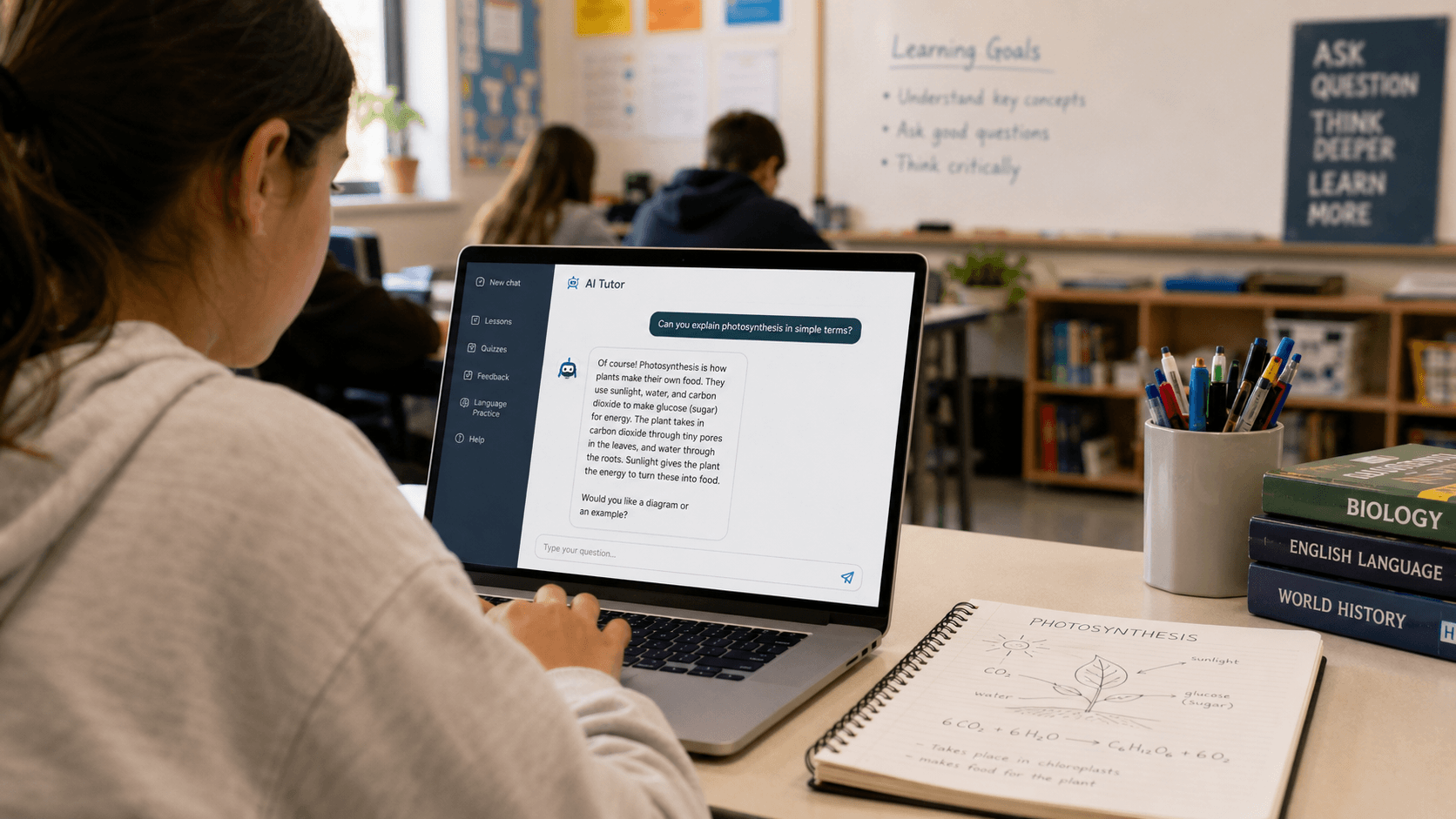
Chatbots have moved well beyond customer service helpdesks. Today, teachers are using them to tutor students one-on-one, generate instant feedback on writing, and even help students practice a foreign language at 11pm when no teacher is available. But what exactly is an educational chatbot, and does it actually belong in your classroom?
This guide covers everything you need to know — no tech background required.
An educational chatbot is a software program that can hold a text-based (or voice-based) conversation with a student or teacher, simulating the kind of back-and-forth you'd have with a human. It uses artificial intelligence — specifically a branch called natural language processing — to understand questions and generate relevant responses.
Unlike a search engine that returns a list of links, a chatbot gives a direct, conversational answer. Unlike a static worksheet, it adapts based on what the student says next.
In education, chatbots can act as:
One of the most common uses is letting students ask questions in their own words and get explanations tailored to their level. A student who doesn't understand a math concept can ask the chatbot to explain it differently, show another example, or break it down step by step — without feeling embarrassed in front of the class.
For language learners, chatbots are particularly powerful. Students can practice writing or speaking in a target language and get corrections, suggestions, or follow-up questions — creating a low-pressure environment to make mistakes and improve.
Rather than waiting days for a teacher to mark an essay, chatbots can give students immediate feedback on structure, clarity, and argument. This doesn't replace the teacher's feedback, but it gives students something to work with before the final submission.
Chatbots can ask students questions to check understanding, adapt the difficulty based on their answers, and flag gaps to the teacher. This kind of conversational quiz feels less stressful than a formal test and can be run as a warm-up or exit ticket.
Outside the classroom, chatbots can handle repetitive parent or student queries: "When is the deadline?", "What's on the test?", "Where do I find the reading list?" — freeing up teacher time for work that actually requires a human.
Save time on repetitive explanations. When 15 students ask the same question about an assignment, a chatbot can handle the first wave, letting you focus on the students who need deeper support.
Reach every student, not just the loudest ones. Quieter students who never raise their hand in class are often more willing to ask questions in a text-based conversation with a bot.
Get data on where students are struggling. Many educational chatbots log common questions or errors, giving teachers an overview of what the class doesn't understand — without grading a stack of papers.
Support differentiated instruction. A chatbot can engage a fast finisher with extension questions while a slower student is still working through the basics, all within the same lesson.
Available any time. Homework help doesn't stop when the school day ends. Students can get explanations in the evening, on weekends, or during revision periods without waiting for the next lesson.
No fear of judgment. Many students hesitate to ask questions in front of their peers. A chatbot creates a private space to ask "basic" questions without embarrassment.
Immediate feedback loop. Waiting a week for feedback on an essay means students have already moved on. Getting feedback the same day they write something makes it much more likely they'll actually act on it.
Practice at their own pace. Rather than keeping up with the rest of the class, students can slow down, repeat, and revisit until something clicks.
Chatbots in education are genuinely useful, but they come with real limitations worth understanding before you introduce them to your class.
Accuracy isn't guaranteed. AI chatbots can confidently give wrong answers, especially on niche topics or recent events. Students should always be encouraged to verify important information — and this is actually a great opportunity to teach critical thinking and source evaluation.
They don't replace human connection. The relationship between a teacher and student, the ability to read the room, to notice when someone is struggling emotionally — none of that is replicated by a chatbot. Technology works best as a support, not a substitute.
Plagiarism and academic integrity. If students can ask a chatbot to write their essay for them, some will. Clear guidelines about what chatbot use is and isn't acceptable need to be set early and explained clearly.
Not all students have equal access. Some chatbot tools require reliable devices and internet connections. Equity considerations matter when deciding how much of your teaching process you put behind an AI tool.
You don't need to overhaul your teaching to start experimenting with chatbots. Here are a few low-risk ways to start:
Redmenta isn't a chatbot itself, but it's built around the same idea: using AI to create learning experiences that would take a teacher hours to build from scratch. With Redmenta, you can create custom listening exercises, generate quiz questions, and design interactive tasks in any language — in minutes rather than hours.
If you're exploring AI tools for your classroom, Redmenta is a practical starting point that gives you direct control over the content, so your students practice exactly what you want them to practice.
[Try Redmenta for free →]
Can chatbots replace teachers?No. Chatbots can handle repetitive tasks, answer factual questions, and provide practice opportunities — but they can't build relationships, read emotional cues, or make the nuanced judgment calls that teaching requires every day. They work best as a tool that supports teachers, not one that replaces them.
Are chatbots safe for students?It depends on the tool. Many educational chatbots are built with age-appropriate filters and data privacy protections. Always check the privacy policy of any AI tool before using it with students, and ensure it complies with your school or district's data policies.
What's the difference between a chatbot and AI?AI (artificial intelligence) is the broad field of technology that enables machines to mimic human thinking. A chatbot is one specific application of AI — a program designed to have conversations. All chatbots use some form of AI, but not all AI tools are chatbots.
Is it cheating to use a chatbot for schoolwork?This depends entirely on the task and the guidelines set by the teacher. Using a chatbot to understand a concept is no different from looking something up in a textbook. Using it to write an assignment you're supposed to write yourself crosses a line. Clear classroom policies matter here.
What are some good chatbots for education?Popular options include tools built on ChatGPT (like Khanmigo from Khan Academy), as well as purpose-built education platforms. The best one depends on your subject, student age, and what you're trying to achieve.
Word count: ~1,150 words


